How it works 3 steps
Display visited tiles
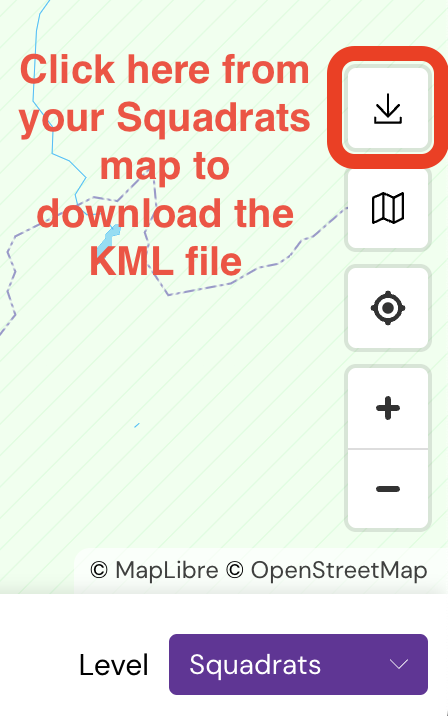
Get your KML file from squadrats.com — How?
Import KML file
drag & drop or click
How it works
Automatically select tiles from your routes. Works with GPX files from Strava, Garmin Connect and RideWithGPS, or "Connect with Strava" below to sync your Strava routes.
- Select all new tiles from the route: After you've uploaded or synced the route, hit the "Select all…" button to select ALL crossed tiles at the current zoom level.
- Pick specific tiles on a route: When building the route, prefix waypoint names with one underscore
_(Tile / Squadrat) or two underscores__(Squadratinho). The Tiles / Squadrats they belong to will be automatically selected. Click here for a demo
Strava Routes
GPX File
Import GPX file
drag & drop or click